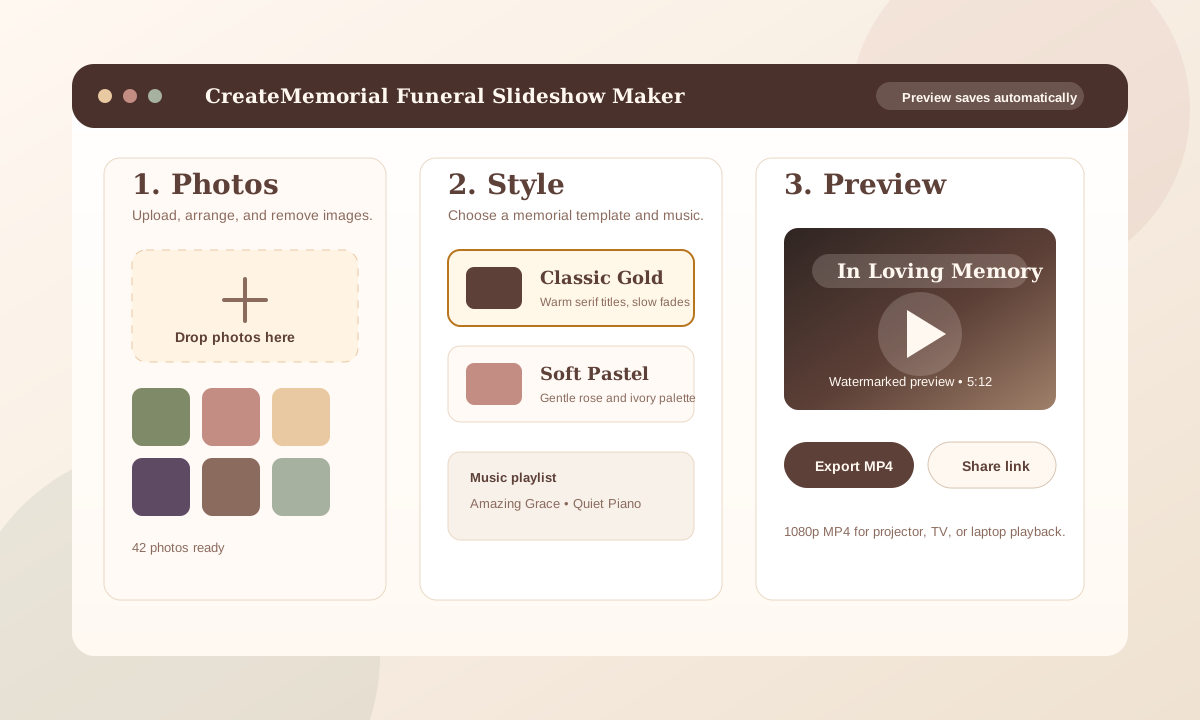
A funeral slideshow can be made in about 10 minutes if your photos are already gathered. The fastest path is simple: choose 40 to 80 photos, place them in a clear order, add one or two songs, preview the pacing, and export a ready-to-play MP4 for the service.
If you already have the photos in one folder, you can create a first draft in roughly 5 minutes with an online funeral slideshow maker. Use the remaining time to check names, dates, music volume, and whether the video plays correctly on the device the funeral home will use.
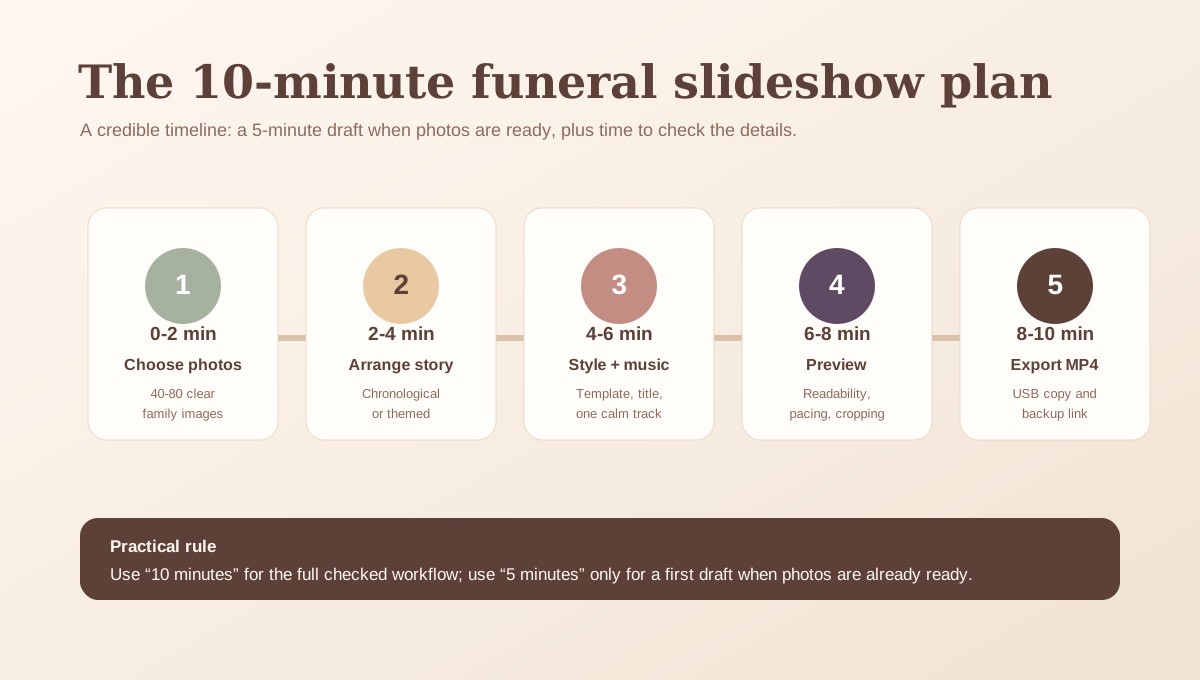
The 10-minute funeral slideshow plan
| Time | Task | What to decide |
|---|---|---|
| 0-2 min | Choose photos | Pick 40-80 clear photos from different life stages. |
| 2-4 min | Set the order | Use chronological order unless a themed order feels more natural. |
| 4-6 min | Choose style and music | Select one calm template and one or two meaningful songs. |
| 6-8 min | Preview | Check pacing, cropping, names, dates, and text size. |
| 8-10 min | Export and test | Download MP4, play it once, and save a backup copy. |
Step 1: Choose the right photos
Start with photos that family members will recognize from different parts of the person's life: childhood, school, marriage, children, work, holidays, hobbies, travel, and everyday moments. You do not need every photo. A smaller set of meaningful, clear pictures usually works better than a very long slideshow.
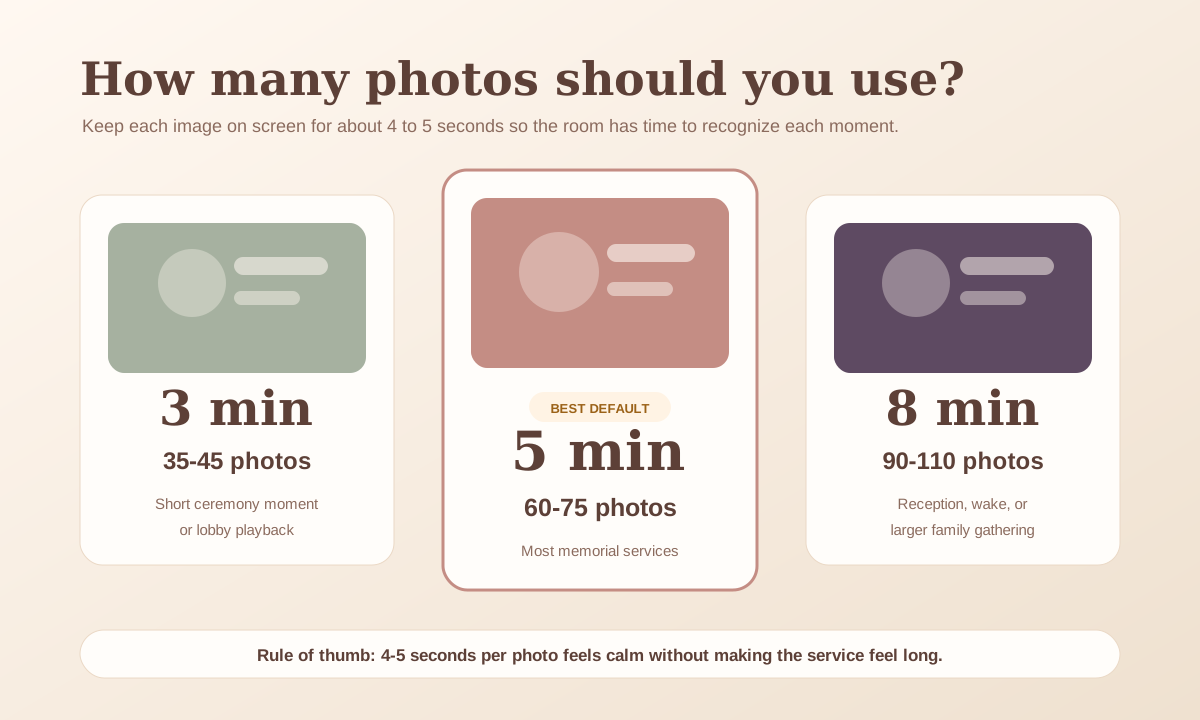
Quick photo count guide
| Slideshow length | Photo count | Best use |
|---|---|---|
| 3 minutes | 35-45 photos | Short service moment or background tribute |
| 5 minutes | 60-75 photos | Most memorial services and celebrations of life |
| 8 minutes | 90-110 photos | Larger family gathering or reception playback |
Step 2: Put the story in order
Chronological order is the safest structure: early life, family, career, favorite places, later years, and a closing photo that feels peaceful. If chronology is hard, use small themes such as "Family," "Friends," "Travel," and "Everyday Joy."
Step 3: Pick music that will not distract
Choose one or two songs with a steady, gentle tone. If the slideshow will be played at a funeral home, ask whether they need the file as a video with music already included. For public playback, avoid using music unless you have permission or the venue has the right license.
Step 4: Preview like someone in the room
Watch the slideshow once without editing. If a photo disappears before you can recognize the people in it, slow the timing. If a title card has small text, make it larger. If the music overwhelms the mood, lower the volume or choose something simpler.
Step 5: Export an MP4 and bring a backup
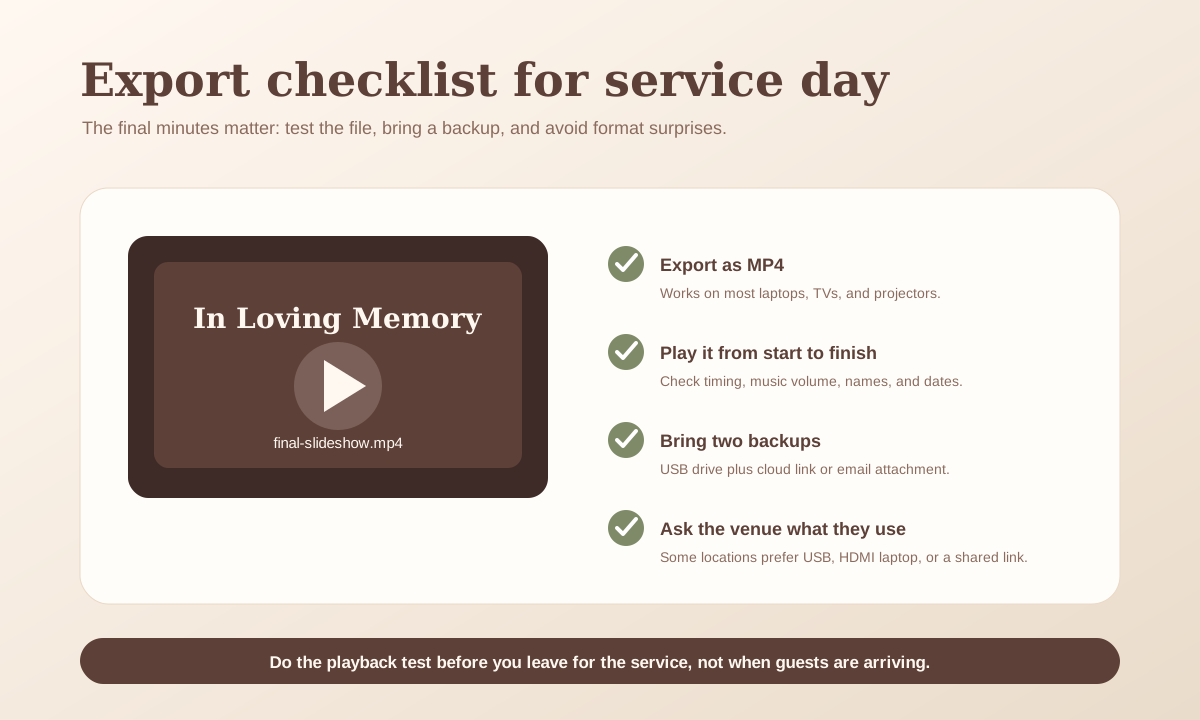
For the day of the service, MP4 is usually the safest format. Bring it on a USB drive, email it to yourself, and keep a cloud link on your phone. Test the video from beginning to end before leaving for the service.
Fast checklist
- 40-80 photos selected
- Names and dates checked
- One or two songs chosen
- Text readable from a distance
- MP4 downloaded and tested
- USB copy and backup link ready