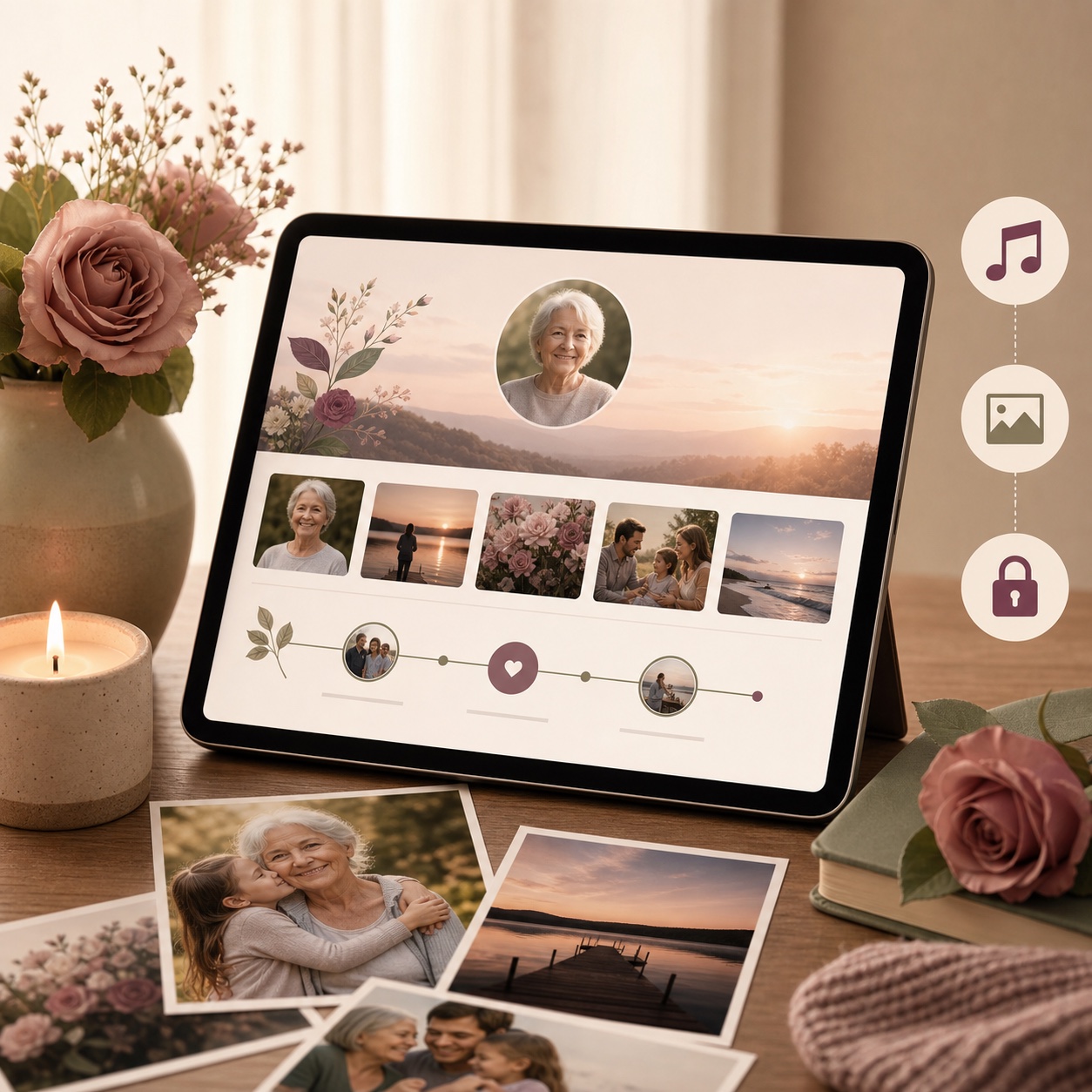
If you are searching for a ForeverMissed alternative, you may want the same core promise — a lasting online memorial with photos and stories — but with a simpler setup flow, clearer privacy controls, and more modern sharing options.
ForeverMissed is a well-established online memorial website builder, known for memorial pages with photos, stories, music, and themes, offered on free and paid subscription plans. It is a capable option — but it is not the only one. If you want a memorial that is free to start, simple to create, looks beautiful, and gives you real control over privacy and who can contribute — plus the ability to turn photos into a funeral slideshow video — CreateMemorial is a focused alternative.
Quick answer: when CreateMemorial is the better fit
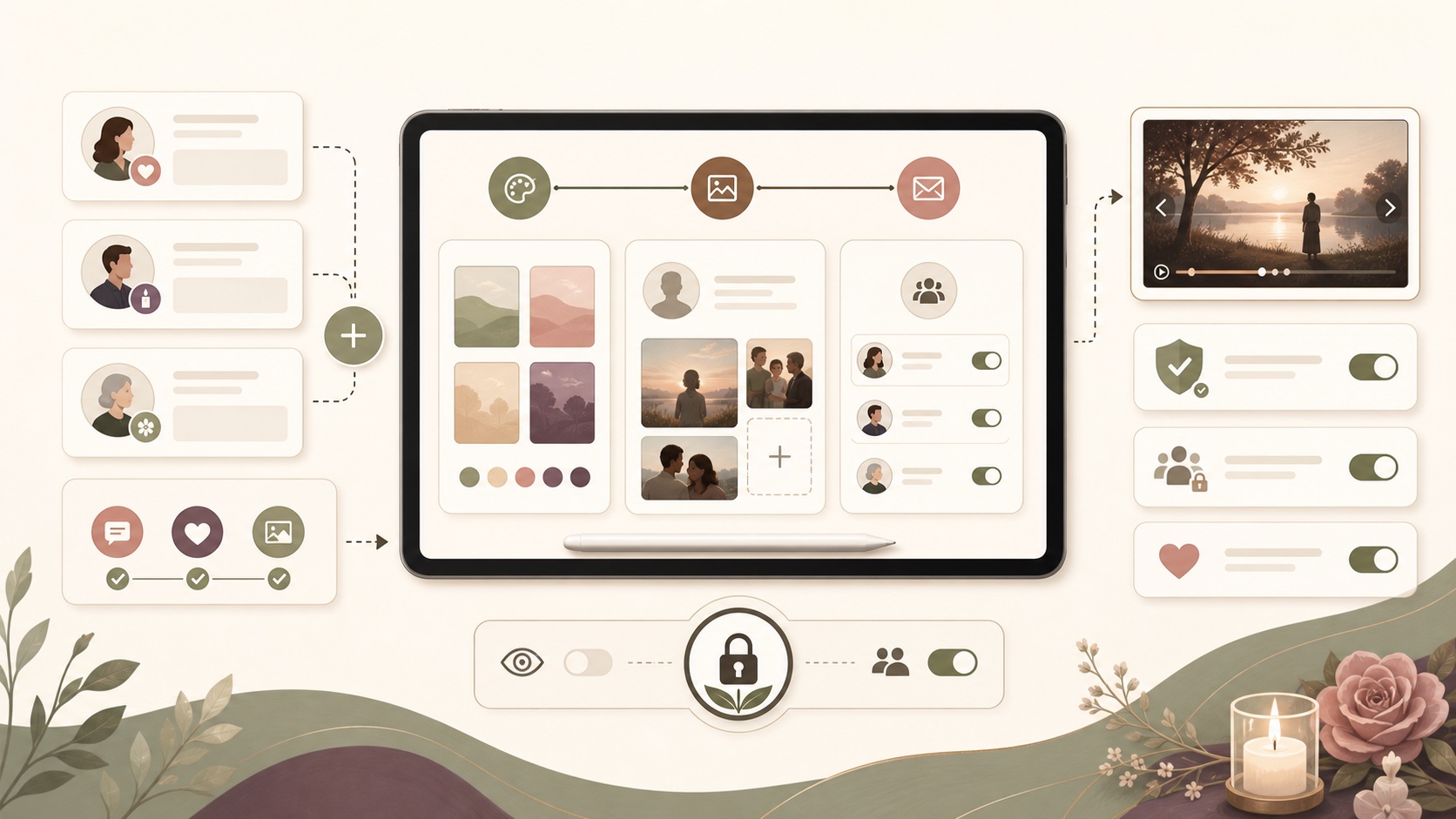
Choose CreateMemorial if you want a free-to-start online memorial that feels guided rather than technical, supports anonymous family contributions, and includes a funeral slideshow maker alongside the memorial page. ForeverMissed is a familiar long-running memorial builder; CreateMemorial is stronger if you want a lighter, more modern setup flow with fewer steps for relatives who simply want to leave a memory.
Where CreateMemorial has the clearest advantage
- Guided setup: the path from theme to story, photos, privacy, and sharing is designed for families who want to publish quickly.
- Anonymous contributions: you can let visitors add tributes, stories, and photos without requiring them to create an account.
- Modern permission controls: guest, editor, and admin roles make it easier to involve family without giving everyone full control.
- Slideshow in the same product: CreateMemorial turns gathered photos into a 1080p funeral slideshow MP4, which is useful for services and gatherings.
What each platform does best
ForeverMissed is a good fit if you want…
- An established memorial website builder with photos, stories, and music.
- A familiar platform you may already have used for a previous memorial.
CreateMemorial is a good fit if you want…
- A memorial that is free to start and genuinely simple to set up — guided, no design skills, ready in minutes.
- Beautiful, dignified templates with curated color palettes that look polished on a phone or a computer.
- Fine-grained privacy: choose Public, Private (invite-only), Password-protected, or Personal.
- Control over contributions, including the option to let visitors leave tributes, stories, and photos anonymously — without forcing them to create an account — with each type toggled on or off by you.
- A built-in funeral slideshow maker that exports a 1080p MP4 for a service.
- A memorial in English, German, French, or Spanish.
CreateMemorial vs ForeverMissed — feature comparison
| Feature | CreateMemorial | ForeverMissed |
|---|---|---|
| Free to start | Yes — Basic is free forever, plus a $199 one-time Premium upgrade | Free and paid subscription tiers |
| Easy setup, no design skills | Yes — guided, step by step, ready in minutes | Account & setup required |
| Beautiful templates & color palettes | Yes — 10 dignified memorial themes | Yes — themes |
| Looks polished on phone & computer | Yes — mobile-friendly by default | Yes |
| What you set up is what visitors see | Yes — no complex editor to learn | Varies |
| Built-in funeral slideshow video maker (MP4) | Yes — export a 1080p slideshow | Not its focus |
| Privacy modes | Public, Private (invite-only), Password-protected, Personal | Memorial visibility settings |
| Anonymous contributions you can toggle | Yes — allow anonymous tributes, stories, and photos individually | Account-based contributions |
| Guest roles & per-permission control | Yes — guest / editor / admin, with granular permissions | Contributor access |
| Approve content before it goes live | Yes — optional moderation / approval | Moderation tools |
| AI obituary writer (text) | Yes | Obituary section |
| Languages | English, German, French, Spanish | English-focused |
| Photo gallery, stories, condolences, candles, timeline, events with RSVP, QR code | Yes | Yes (varies by section) |
ForeverMissed details reflect its general, well-known positioning. Features and plans change over time — check forevermissed.com for the latest before deciding.
Where CreateMemorial stands out
1. Free to start, simple to use
You can create and share a memorial page for free, and setup is guided step by step — choose a theme, add a name, photos, and a life story, and your page is ready in minutes. There is no complicated editor to learn and nothing to design — what you set up is what visitors see, and you can edit it anytime.
2. Beautiful and dignified by default
Every memorial uses a carefully designed theme with calm, curated color palettes, so the page looks polished and respectful from the first moment — on a phone, tablet, or computer.
3. You control who can see and contribute
Beyond public or private, you can password-protect a memorial or keep it Personal. You decide whether visitors may add tributes, stories, or photos — and you can allow those anonymously so far-away friends and older relatives can contribute without signing up. You can also require approval before anything appears.
4. A funeral slideshow is built in
Turn the photos you have already gathered into a funeral slideshow video with music and captions, and export a 1080p MP4 for the service — no separate tool needed.
5. It works in four languages
The memorial interface is available in English, German, French, and Spanish, which helps when family is spread across countries.
How to switch or start
You do not need to migrate anything to try CreateMemorial. Create a memorial, add a few photos and a short life story, set your privacy and contribution preferences, and share the link with family. You can browse memorial website templates first if you prefer to pick a style, or compare more options in our guide to the best online memorial websites.